

Design From Scratch
Tutorial on Design from Scratch
Design From Scratch lets you build every section of your layout with total creative freedom. By clicking the “Clear” button, you start with a default canvas, giving you full control to shape the design on your own terms. While Zyre already provides a variety of beautifully crafted predefined designs that you can import instantly, but If our ready-made designs don’t match your taste or project requirements, you can easily build your own layout from scratch using Zyre’s powerful and flexible widgets. Allowing you to create a fully custom, future-ready design that matches your exact vision.
Learn How To Design from Scratch:
Exploring How to Design from Scratch.
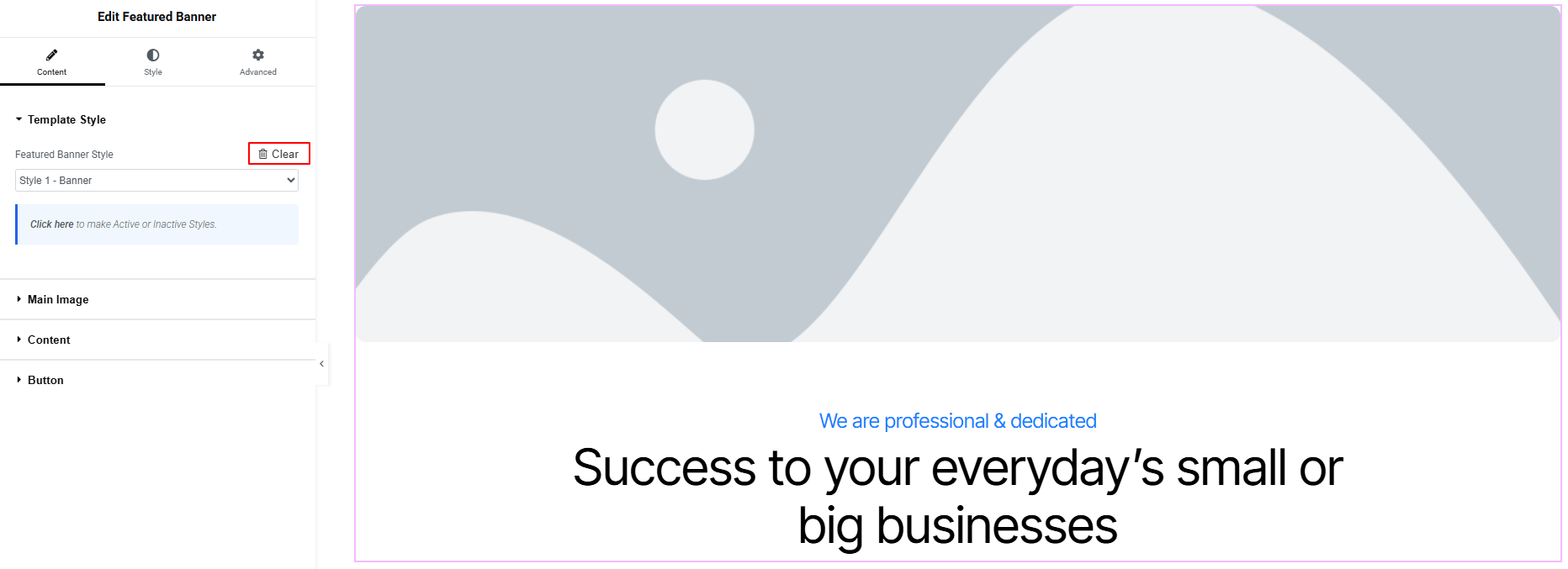
Clicking the “Clear” button removes the predefined layout and restores the default design, giving you a clean starting point. From there, you can build everything from scratch—shaping the layout, styling, and structure exactly the way you want, with complete creative freedom.
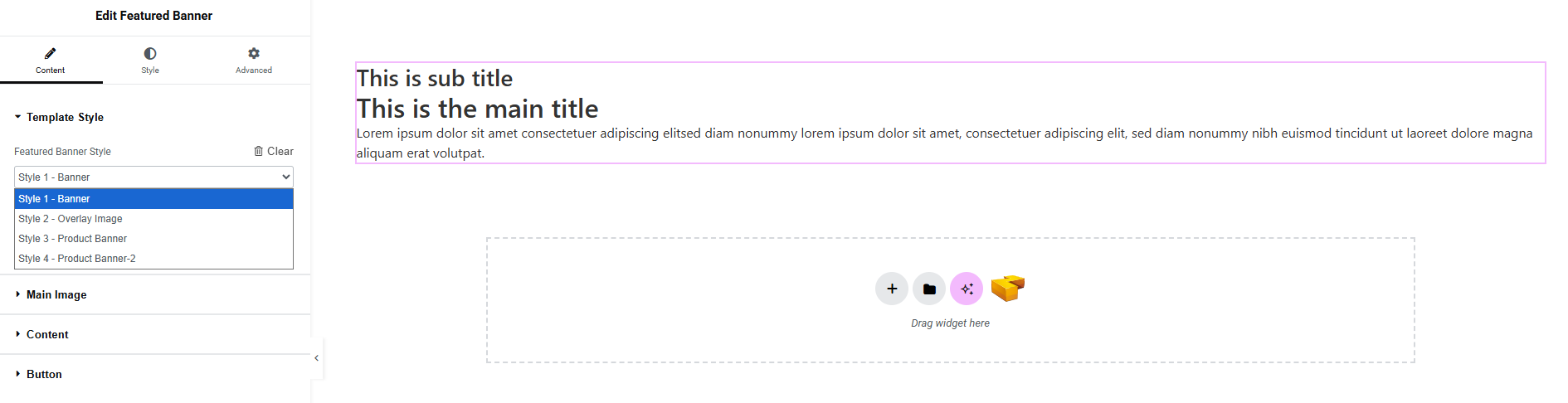
Switching to another style keeps all other pre-defined designs fully intact—only the style you reset returns to its default layout. From there, you have full freedom to redesign it exactly the way you want. This lets you clear and rebuild one style from scratch without affecting the others, giving you precise control over each individual design.
