

Heading
Step-by-Step Tutorial on Using the Heading Widget of Zyre Addon
Elevate your website’s design using the Heading Widget of Zyre Addon for Elementor. With stylish headings and dynamic effects, you can transform your webpage into a visually engaging experience.
Learn How To Use Heading Widget:
Exploring the Features of Heading Widget
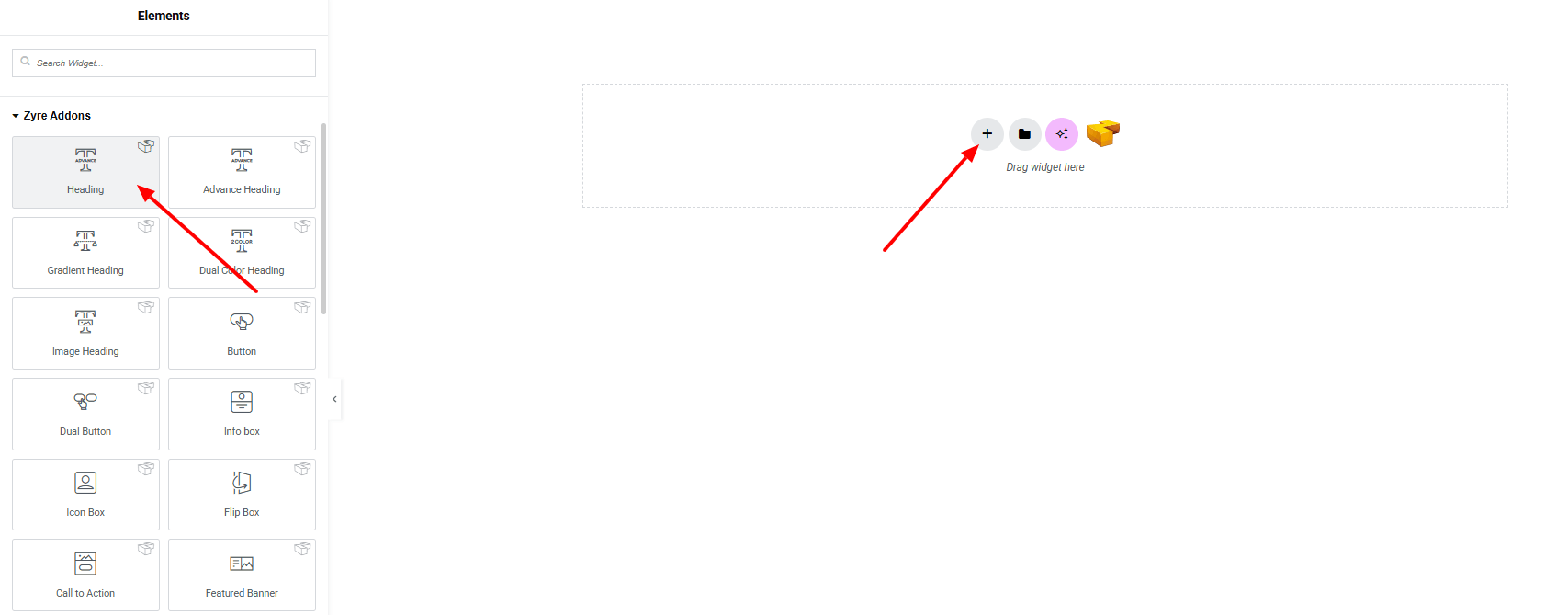
Step 1: Drag the widget
From the left panel, search or choose the Heading Widget of Zyre Addon and simply drag it into your desired section.
Step 2: Content tab
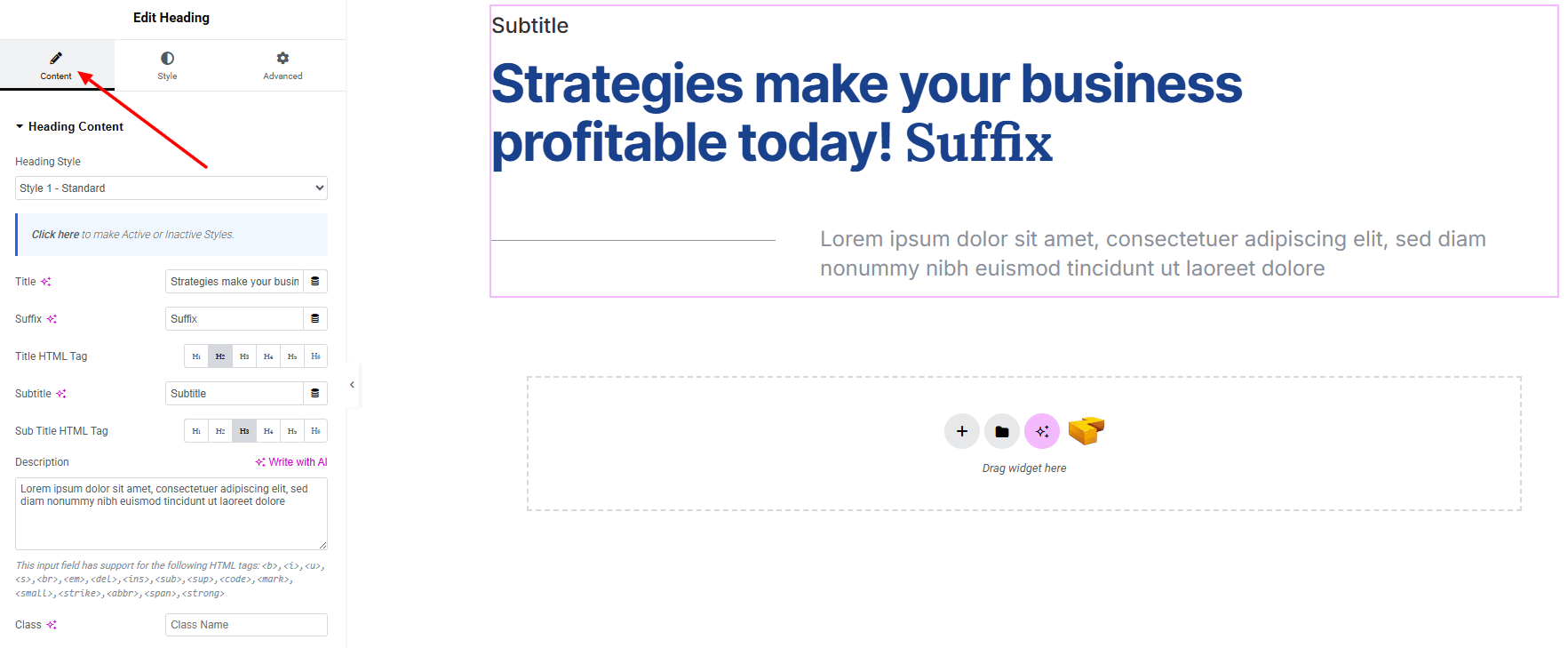
Heading Content:
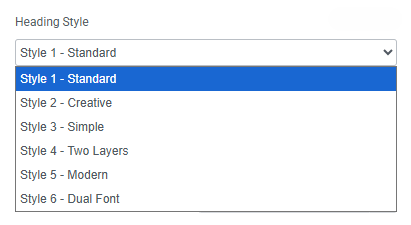
- heading Style : You can choose a predefined style from here
- Title : Set main heading text.
- Suffix : Set suffix of the title text.
- Title HTML Tag : Set html tag of the heading.
- Subtitle : Set subtitle of the heading.
- Subtitle HTML Tag : Set html tag of the subtitle.
- Description : Set the description of the heading.
- Class : Set a custom CSS class.
Step 3: Style tab
In the Style section, you can customize the Title, Subtitle, and Description — but make sure you have added the contents first.
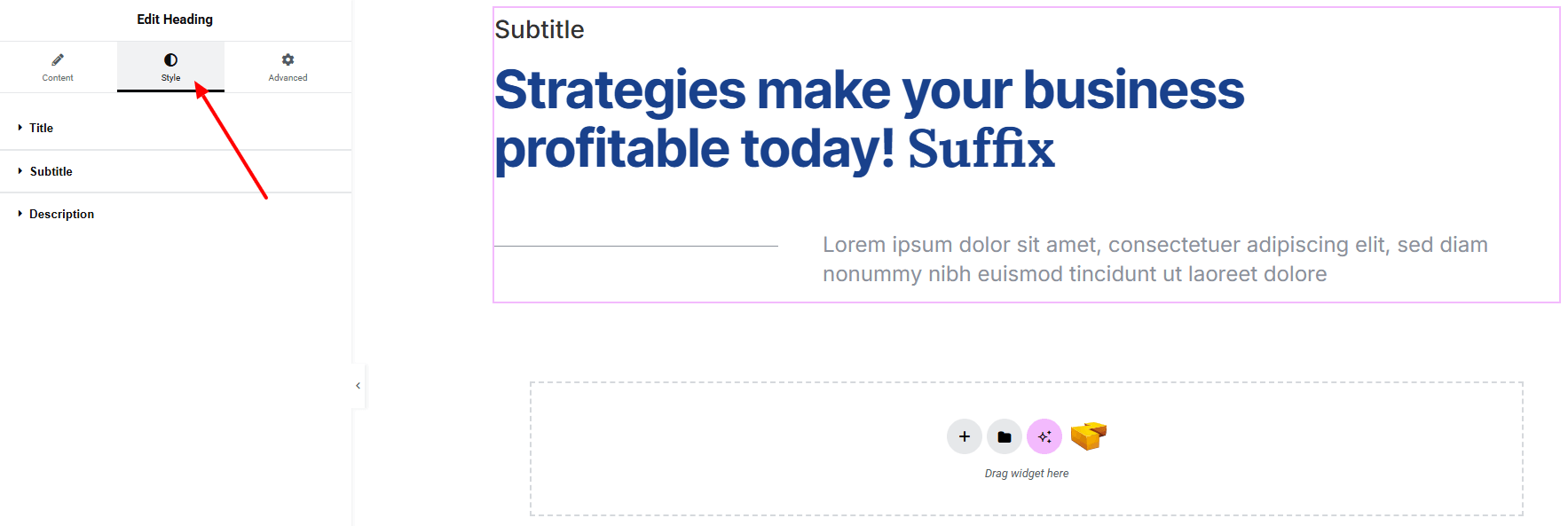
Title:
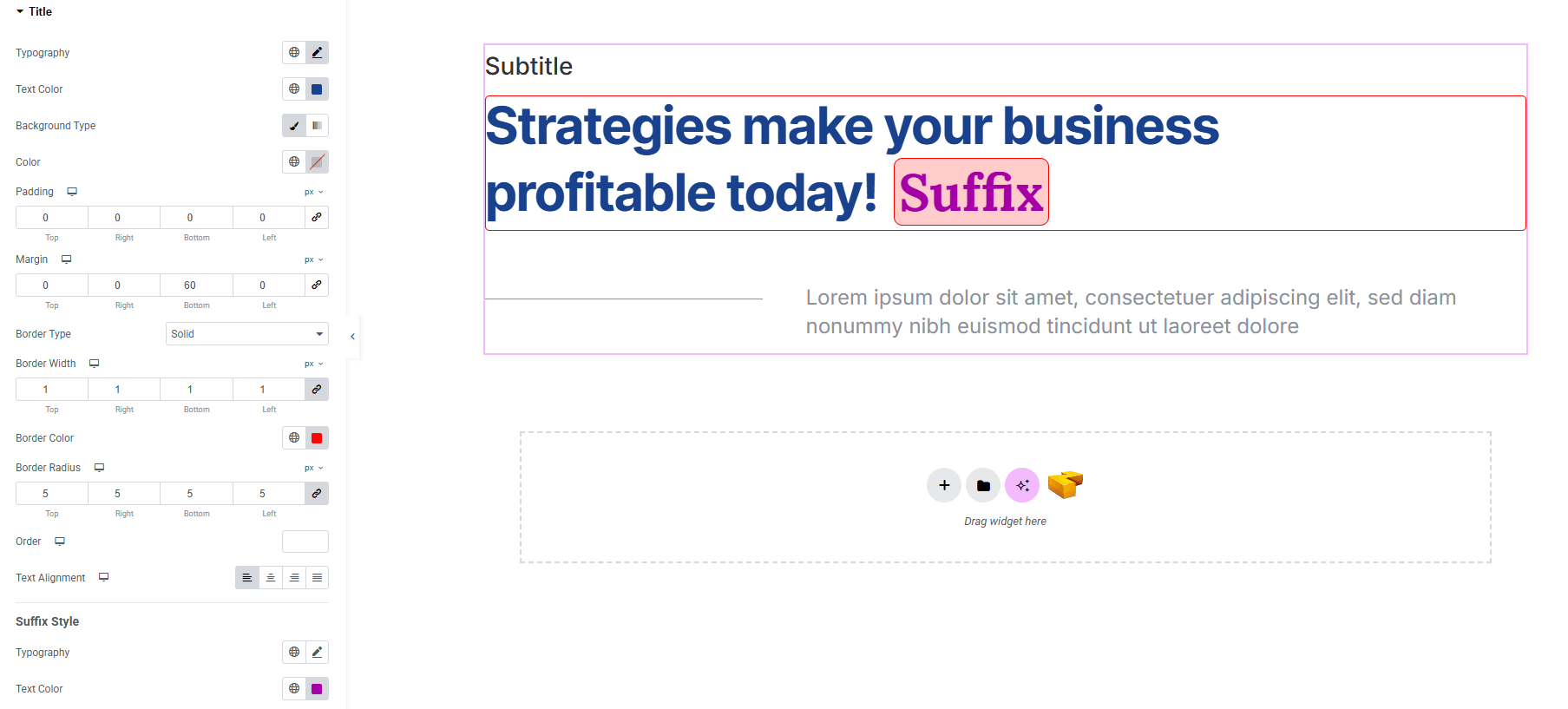
- Typography : Here you can customize the font family, size, weight, transform, style, decoration, line height, letter spacing, and word spacing. Explore full typography settings here.
- Text Color : Choose colors of the title.
- Background Type : Set classic or gradient background (linear or radial) with color. Explore full background settings here.
- Border Type : Customize border style, width, and color.
- Border Radius : Control corner roundness.
- Padding : Adjust spacing inside the element.
- Margin : Adjust spacing outside the element.
- Order : Define the order of the title in relation to other elements.
- Text Alignment : Set alignment of the title (left, center, right, justified).
Suffix Style:
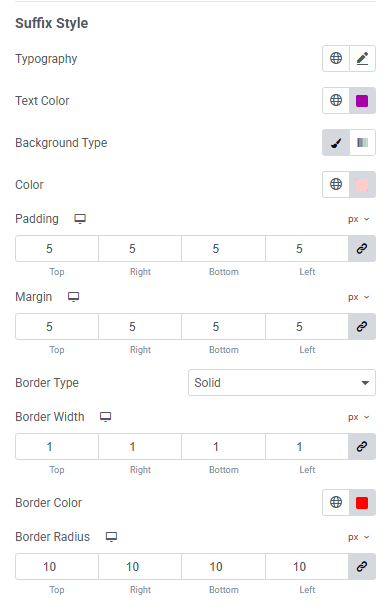
- Typography : Here you can customize the font family, size, weight, transform, style, decoration, line height, letter spacing, and word spacing for your text. Explore full typography settings here.
- Text Color : Choose colors of the title.
- Background Type : Set classic or gradient background (linear or radial) with color. Explore full background settings here.
- Padding : Adjust spacing inside the element.
- Margin : Adjust spacing outside the element.
- Border Type : Customize border style, width, and color.
- Border Radius : Control corner roundness.
Subtitle:
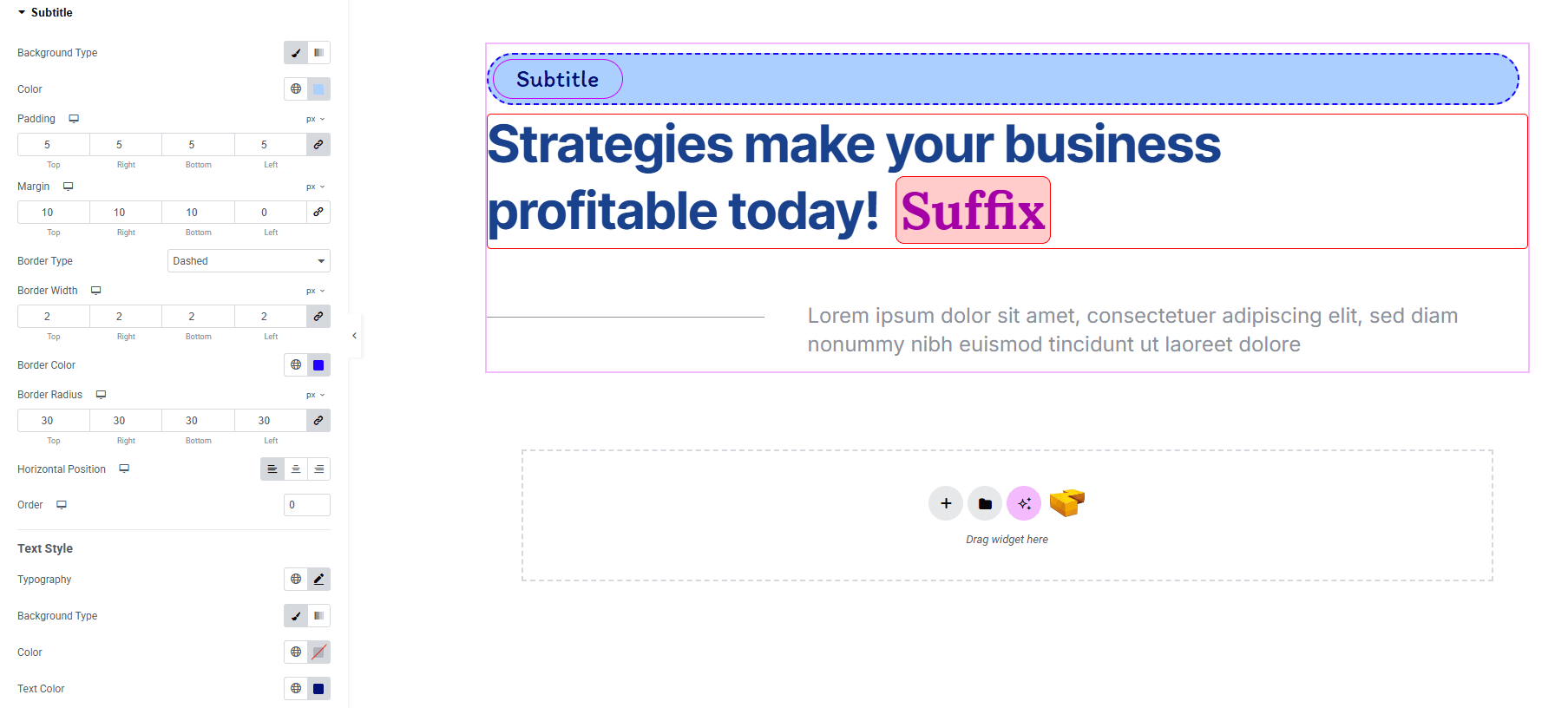
- Background Type : Set classic or gradient background (linear or radial) with color. Explore full background settings here.
- Color : Choose color of the subtitle text.
- Padding : Adjust spacing inside the element.
- Margin : Adjust spacing outside the element.
- Border Type : Customize border type, width, and color.
- Border Radius : Control corner roundness.
- Horizontal Position : Set the subtitle position horizontally.
- Order : Define the order of the title in relation to other elements.
Text Style
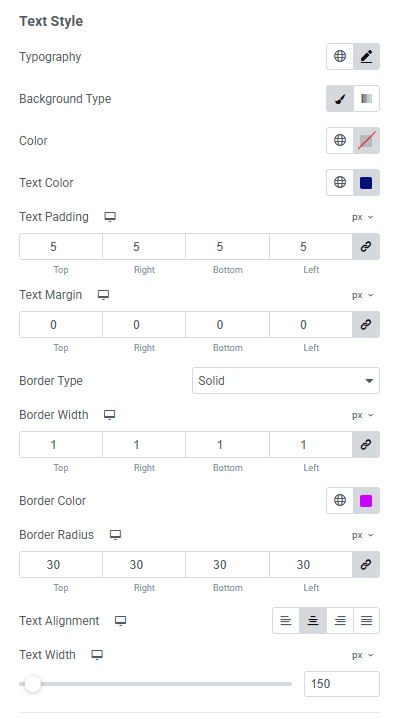
Same customization options are available for this Text Style as well, only Text Alignment and Text Width added here newly.
- Text Alignment : Alignment of the subtitle text.
- Text Width : Manage the width of the subtitle element.
Separator Style: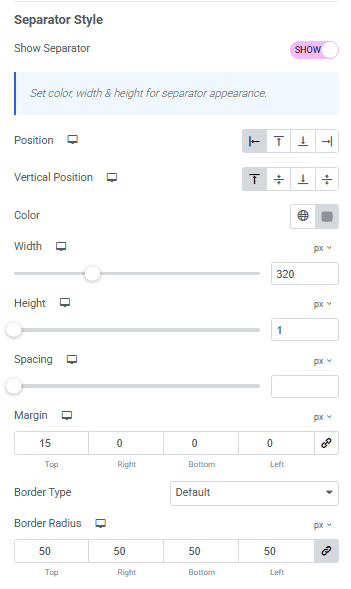
- Show Separator : Toggle for separator.
- Position : Position of the separator horizontally.
- Vertical position : Position of the separator vertically.
- Color : Color of the separator.
- Width : Width of the separator.
- Height : Height of the separator.
- Spacing : Space between the separator and other contents.
- Margin : Adjust spacing outside the element.
- Border Type : Customize border type, width, and color.
- Border Radius : Control corner roundness.
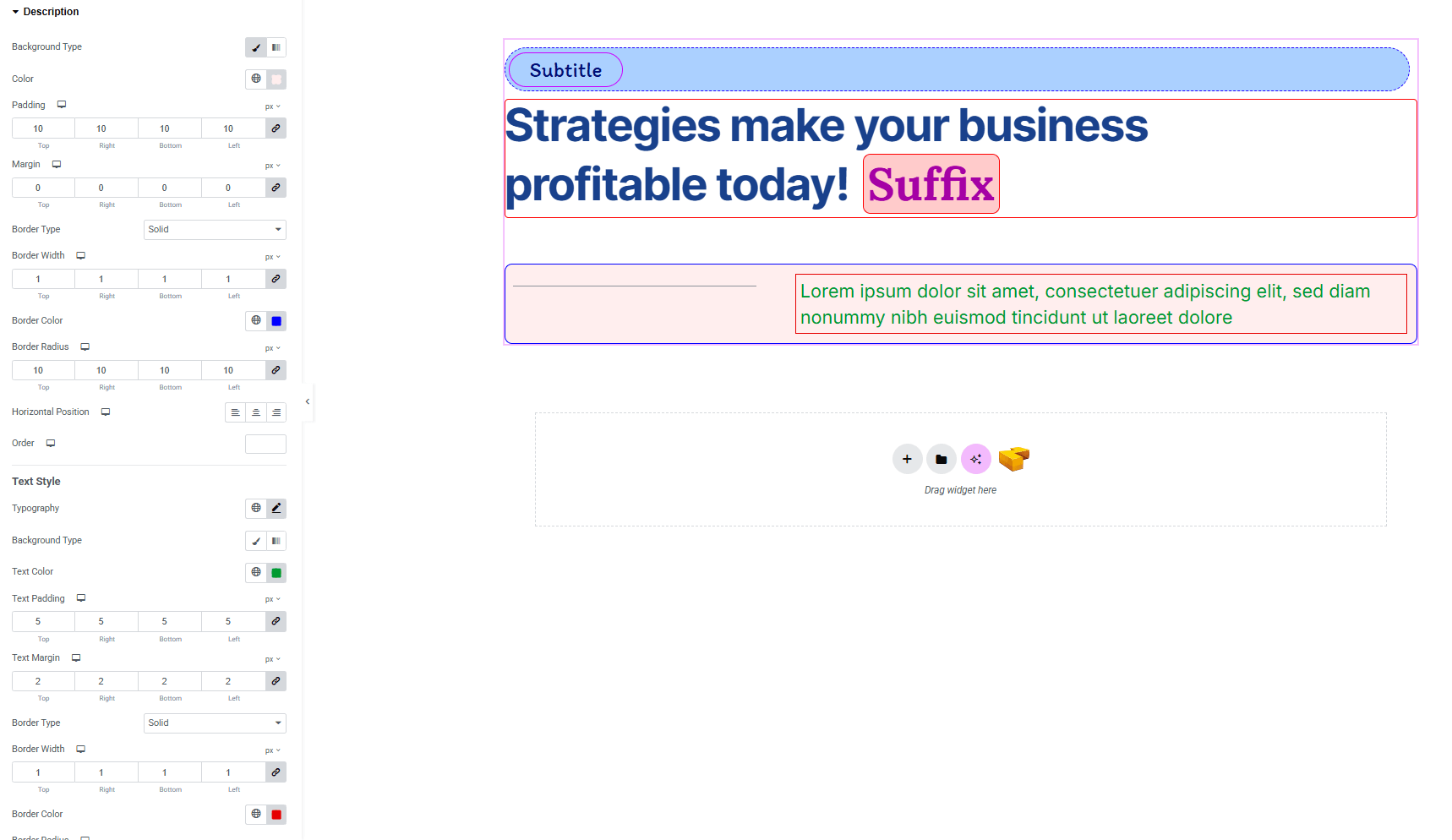
Description:
The same customization options are available for the Description as well, giving you full control to design it just like the Subtitle.
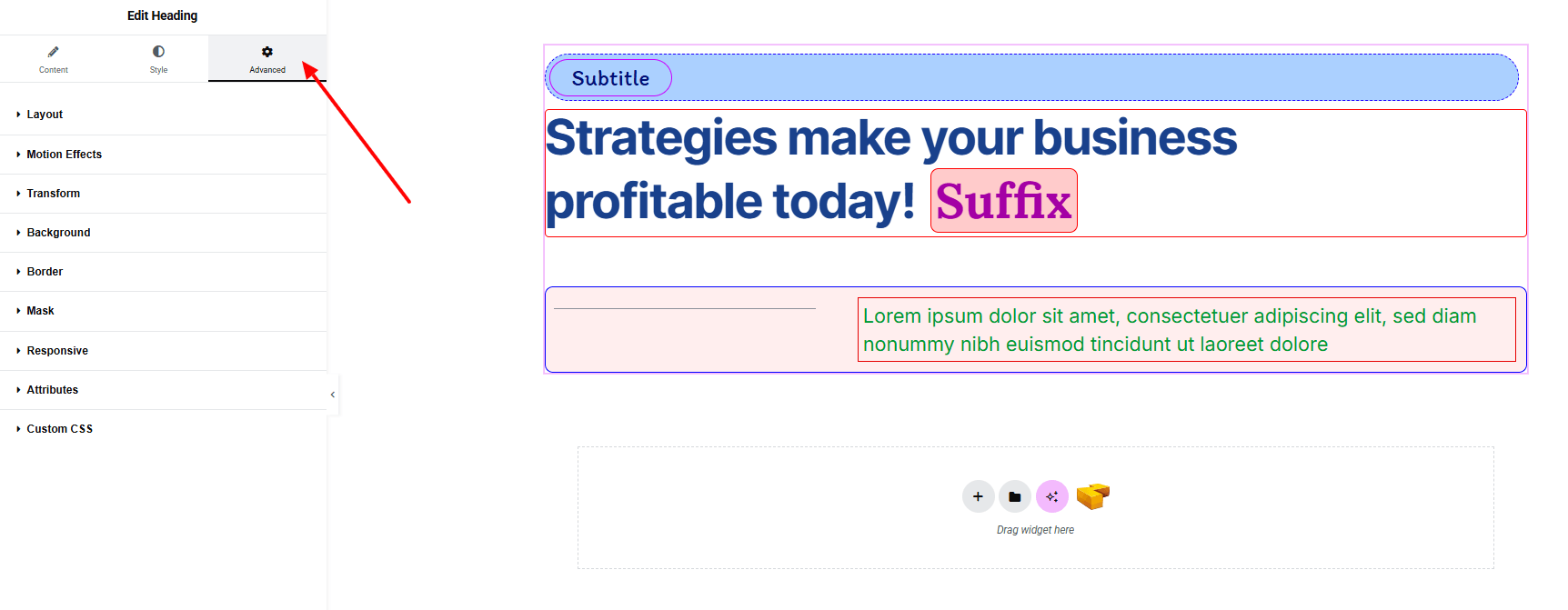
Step 4: Advance tab
If you want to customize the layout, backgrounds, or make your design more engaging, head over to the Advanced section. The Advanced panel is a default Elementor feature. Check out this document to learn more about its features.
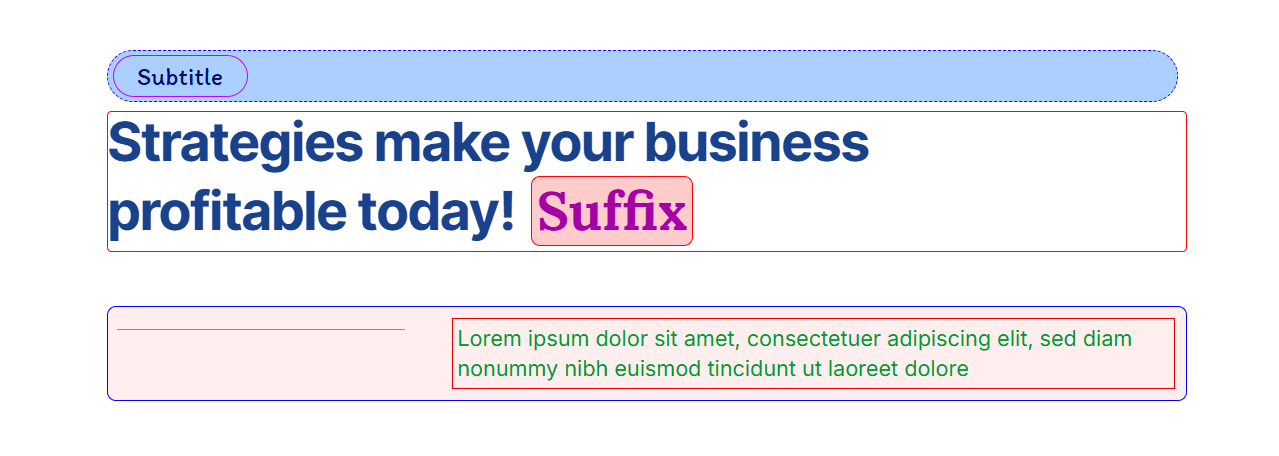
Finally, hit the Publish button and watch your stunning Header come to life on your webpage!
That’s a wrap — you’re ready!
