

General Guides
How to Install Zyre Addons
Zyre Addons extends Elementor with powerful widgets and design features. Since it works as an extension of Elementor, you must first install and activate Elementor before using Zyre Addons. Once Elementor is ready, you can install Zyre Addons using either the WordPress dashboard or by uploading the plugin manually.
Tutorial on Installing Zyre Addons:
Exploring How to Install Zyre Addons
Prerequisite: Install Elementor
Before installing Zyre Addons, make sure Elementor is installed and activated.
Step 1: Install Elementor from WordPress Dashboard
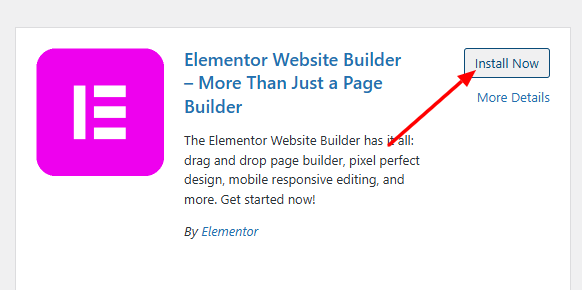
- Go to Dashboard → Plugins → Add Plugin
- Search for Elementor
- Click Install Now
- Click Activate
Method 1: Install Zyre Addons from WordPress Dashboard
Step 1: Go to Plugins
- Navigate to Dashboard → Plugins → Add New
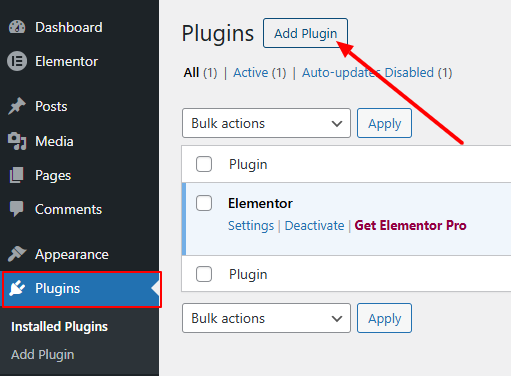
Step 2: Search for Zyre Addons
- In the search bar, type Zyre Addons

- Locate the plugin from the results
Step 3: Install and Activate
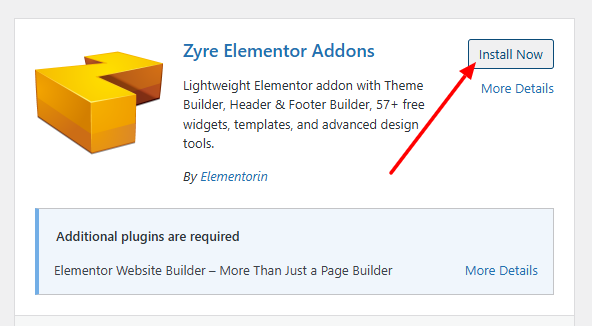
- Click Install Now
- After installation, click Activate
Zyre Addons is now installed and ready to use.
Method 2: Install Zyre Addons Manually
Step 1: Download the Plugin

- Go to the Zyre Elementor Addons WordPress page
- Click the Download button
- Save the ZIP file to your device
Step 2: Upload the Plugin
- Go to Dashboard → Plugins → Add New like before.
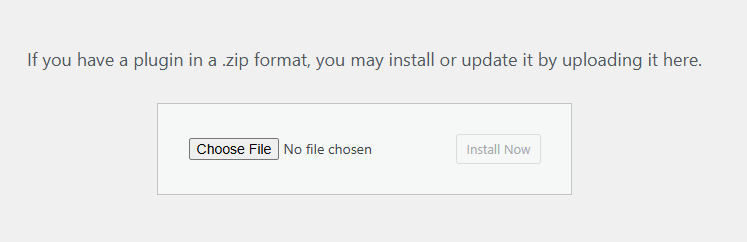
- Click Upload Plugin
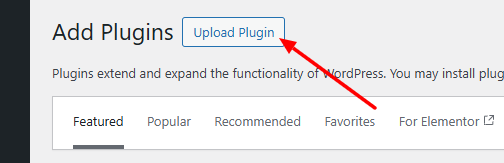
- Click Choose File or drag and drop the ZIP file
Step 3: Upload the Plugin
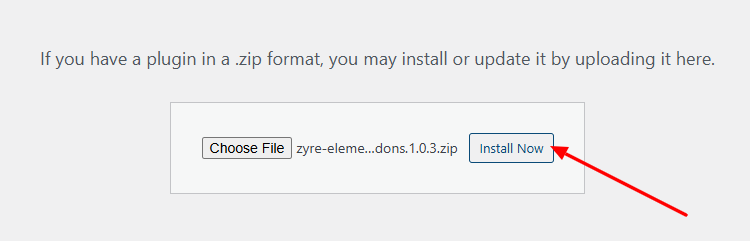
- Click Install Now
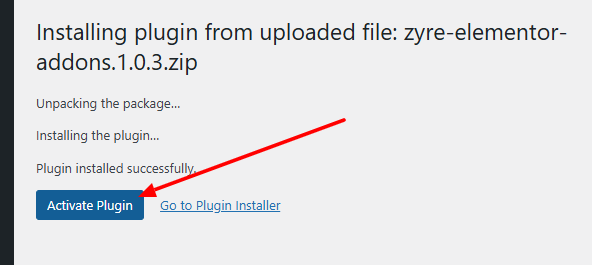
- After installation, click Activate Plugin
Final Result
Zyre Addons is now successfully installed and activated on your website. You can start using its widgets and features inside Elementor to build and customize your pages.
