
How to Download & Use Zyre Fonticon
FontIcon in Zyre Addons provides a modern icon library system that helps you quickly find, preview, copy, and download icons for your website designs. It includes both Regular and Bold icon styles, making it easier to maintain consistent iconography across your Elementor projects.
With FontIcon, you can search icons instantly, copy ready-to-use HTML code, or download SVG files for custom usage.
Getting Started with FontIcon
Step 1: Open FontIcon Library
Go to the Zyre Website and navigate to:
Web Building → FontIcon
Now on the FontIcon page, Clicking on Explore All Icons button. It will open the complete FontIcon library page.
Step 2: Search Icons
At the top of the FontIcon page, you will see a Search Icon field.
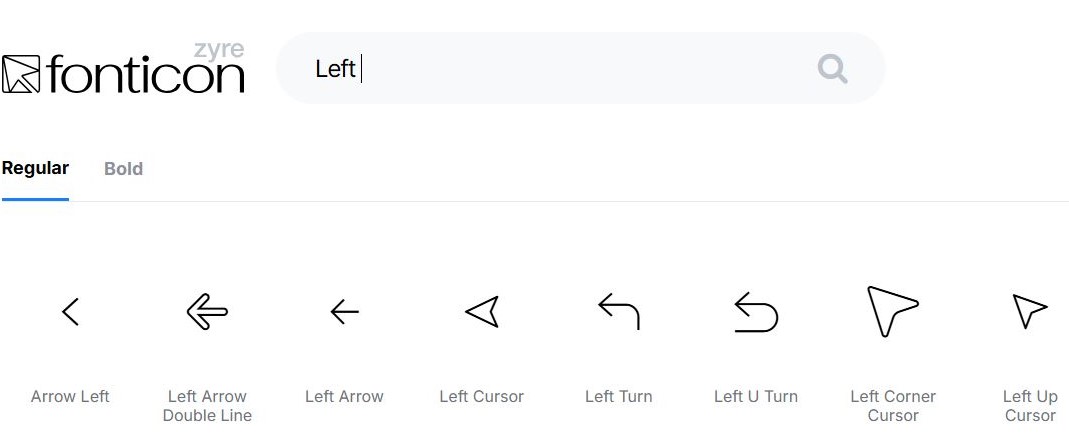
- Enter any keyword to quickly find icons
- Results update automatically based on your search
This helps you locate icons faster without scrolling through the full library.
Step 3: Download Free Icons
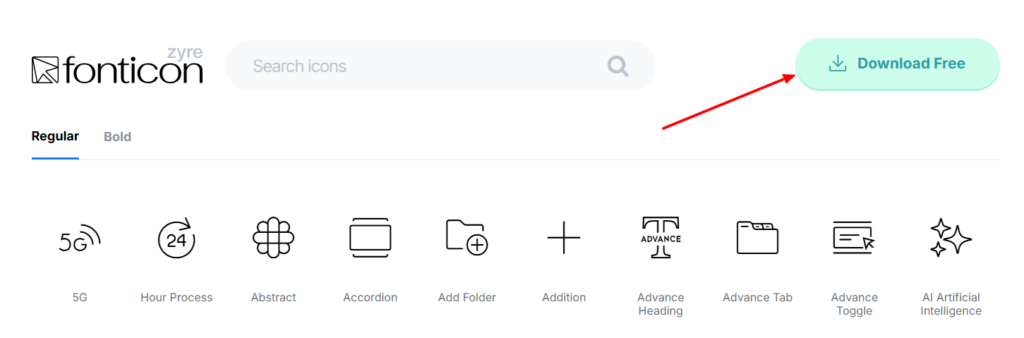
By clicking on the Download Free button, it will download the complete free FontIcon package provided by Zyre.
Step 4: Choose Icon Style
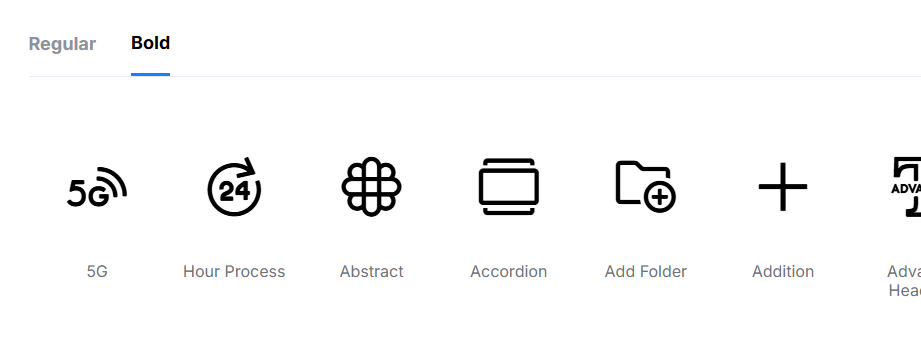
FontIcon provides two icon style tabs:
- Regular: Displays the regular version of icons
- Bold: Displays the bold version of the same icons
Switch between tabs to choose the style that best fits your design.
Step 5: Explore and Select Icons
Browse through the available icons and click on any icon.
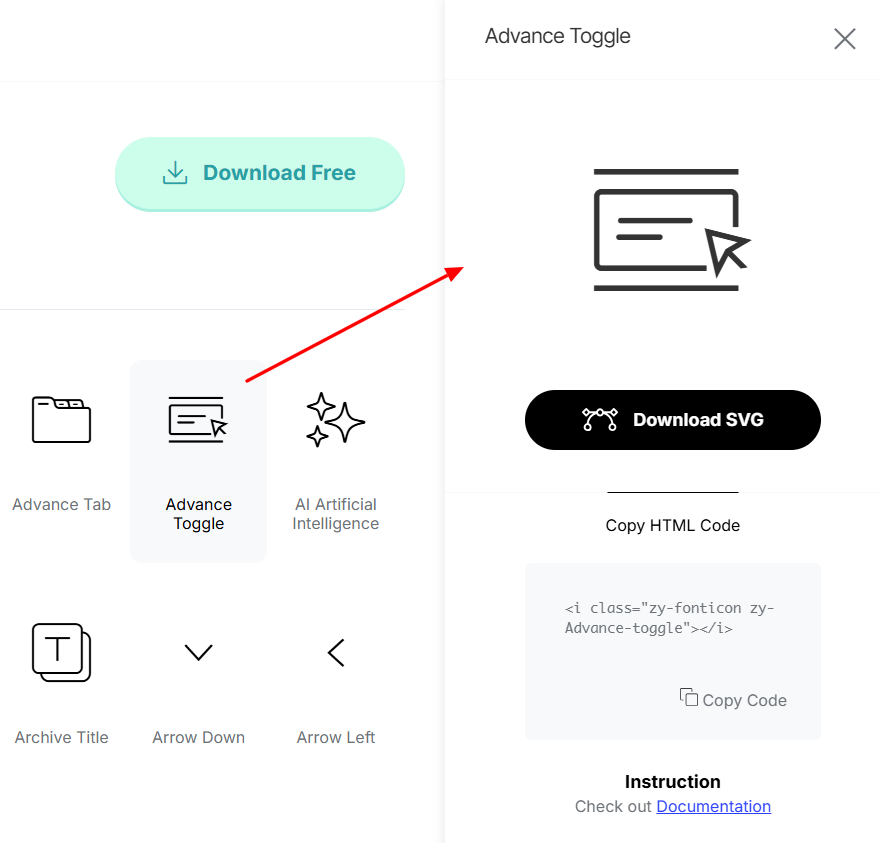
After clicking an icon, a side panel will open on the right side containing additional options and details.
Step 6: Download SVG Icons
Inside the side panel:
- Click Download SVG to download the icon as an SVG file
- SVG files can be used in Elementor, custom code, or external design tools
This gives you full flexibility for scalable and high-quality icon usage.
Step 7: Copy HTML Code
Inside the icon side panel, you will also find HTML code options. You can:
- Copy the HTML code manually
- Or click the Copy Code button to instantly copy the icon HTML code to your clipboard
You can then paste the copied code directly into your website or custom elements.
Final Result
Zyre FontIcon allows you to efficiently manage icons for your Elementor website by providing fast search, multiple icon styles, SVG downloads, and ready-to-use HTML code—all from a single interface.
More icons and styles will be added soon to expand the FontIcon library even further.
